Cook your own dinner
Start with quick recipes. Set the portions, check the ingredients and follow the steps in cooking mode.
Show quick recipes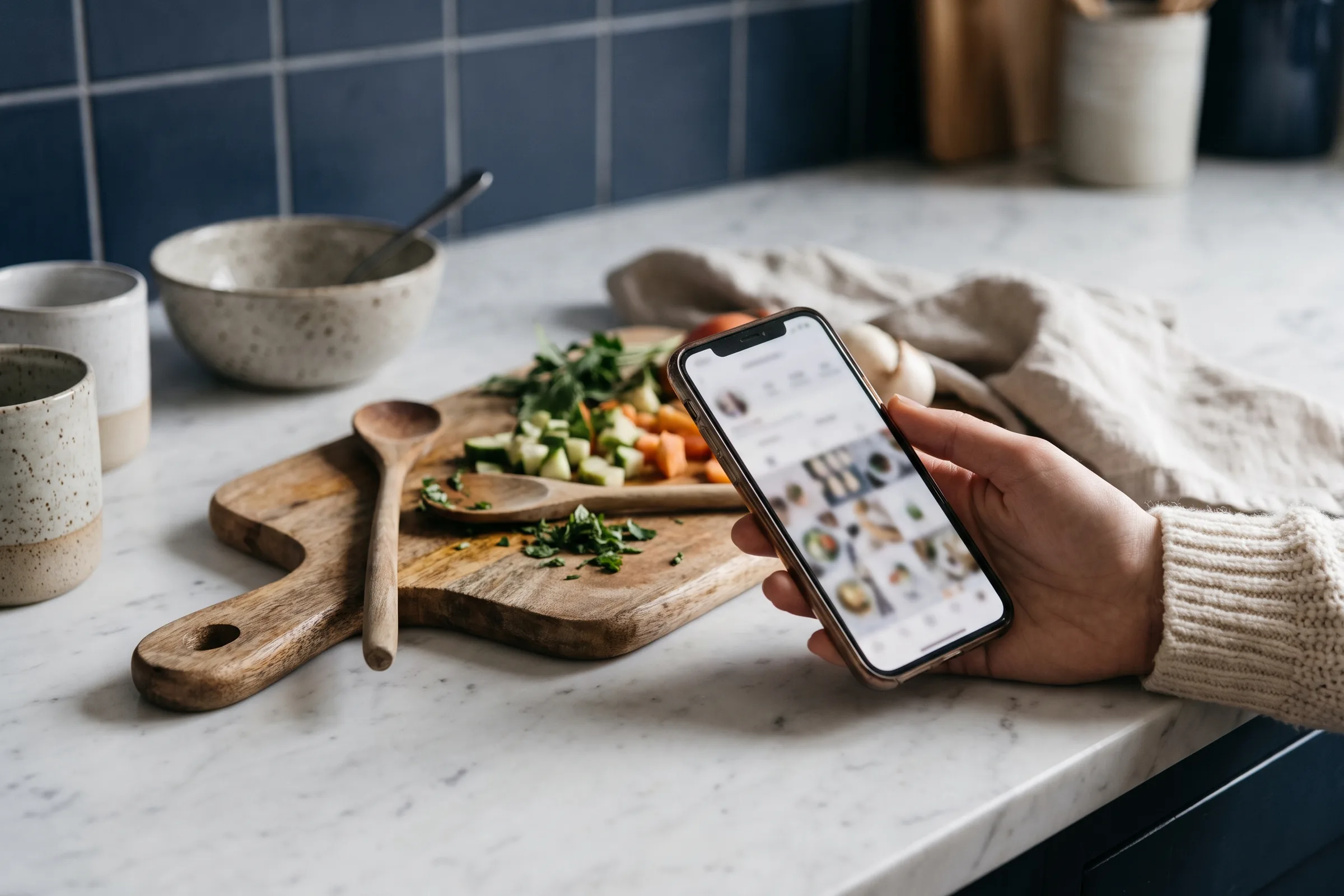
What you can do
- Your portions — Change the number of portions on the recipe before you cook. The amounts are recalculated in the ingredient list and in the steps.
- Time to suit you — The recipe list can show recipes that take under 30 minutes. Allow extra time to read the recipe and get the ingredients out.
- Plan with your household — Add dinner to the household's shared week and the ingredients end up on the shared shopping list.
- Ingredients first — Read the ingredient list before you start and check what you have at home, so you notice in time if something is missing.
- A rating after the meal — When you have eaten you can rate the recipe, so next week's suggestions improve.
Good to know
You choose whether amounts show in grams or in the units you use at home. You set that in your preferences.
The ingredient check is a guide and can miss allergens. Read the full recipe and the product labels before cooking.
How to start
The button above opens the recipe list filtered to recipes under 30 minutes. Pick a recipe, set the portions, check the ingredients and choose Start cooking. Afterwards you can give the recipe a rating. RecipeBase is an invite-only beta and free to use during the test period.
Read more about the beta and pricing
How to add your household, plan the week and start cooking mode is explained step by step in the help pages. They also cover how to import a recipe from a link, a text or a photo. Open the help pages